
 Deutsch
 English
 Español
Already a client?
Your personal access
clients.lukasteissl.com
Your personal client area
As a client, you receive access to your client portal after personal approval. It brings the information relevant to our work together into one place, from project progress and documents to invoices and the access details assigned to you.
Read more about features, benefits and common questions. No sign-in needed.

One place. A connected view.
Your portal brings together the information associated with your assignment. The content available to you reflects your project and the work we do together.
Current section: Projects & tasks
See where your project stands, which tasks are open and who is taking care of the next steps.
Find your invoices and keep track of the payment statuses and planned billing recorded in your portal.
Access the documents and files provided for your assignment in their relevant project context.
Find the access details assigned to your client area, organised in one central place.
Keep track of recorded recurring costs, contract periods and relevant dates.
Keep track of pending approvals, documented decisions and the next steps in our work together.
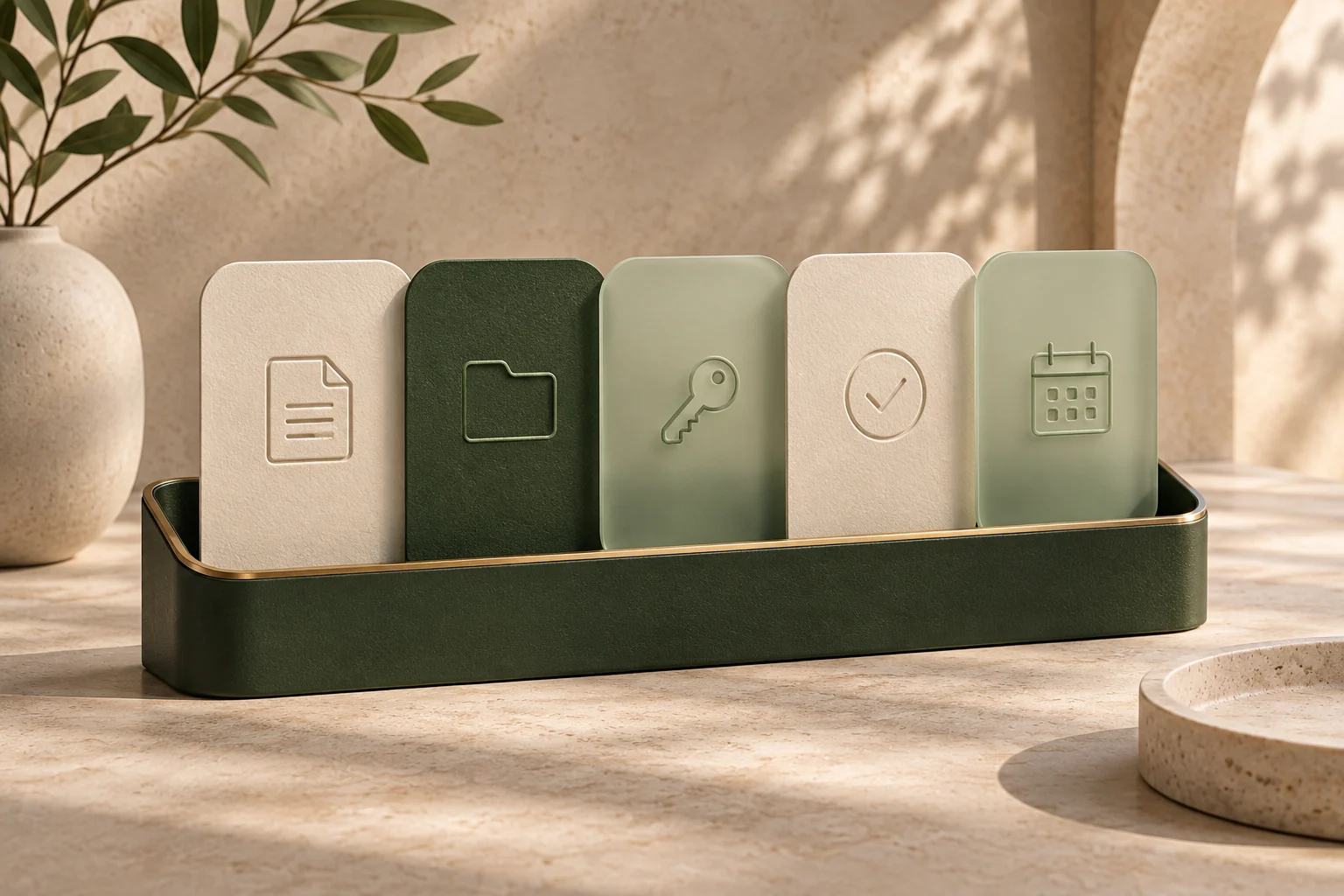
Illustrative overview of the portal sections. Available content depends on your assignment and approved access.
Personal support. Clear organisation.
You work with me, supported by a central digital workspace. The portal gives us a shared information base so that our conversations can focus on specific questions, decisions and next steps.
I remain your point of contact whenever you have questions or need to discuss something. The client portal supports our direct communication.
I developed the portal myself to connect client information, project organisation and billing in a useful way. Its structure follows the tasks that arise in our day-to-day work together.
Explore the developmentGetting your overview
You do not need to assemble your own collection of folders, invoice links and project lists to find the information provided for you.
We discuss your assignment, your goals and the right approach to working together.
Request portal access or create an account. I review the request personally and activate your client area.
Sign in to find the projects, documents and next steps recorded for your assignment.
For existing clients
Sign in with your activated account. If you are already a client and do not yet have access, you can request it through the portal; if you cannot find your sign-in details, contact me directly.
Your personal access
clients.lukasteissl.com
Request access to the portal. I review your request personally and activate the appropriate client area.
Request portal accessGood to know
Key answers about your access and our work together through the client portal.
Every client receives access to their client area after personal approval. You can request portal access or create an account; I review the request personally and link your access to your client record. The projects and information you then see depend on our assignment.
Contact me directly so that we can resolve access to your account. Include your name and the relevant assignment so that I can identify your enquiry.
Depending on your assignment, it can include projects and tasks, invoices and payment statuses, provided documents, assigned access details, and recorded costs, contract periods and dates. The information shown is what has been added for your assignment.
Yes. You can open the portal in a browser on your computer, smartphone or tablet, so you can also view the information provided for you while on the move.
Yes. The client portal supports our direct working relationship. I remain your point of contact for questions, decisions and ongoing coordination.
For your next project
Let us discuss what you have in mind and the support you need. A structured way of working is part of the experience from the start.