 Deutsch
 English
 Español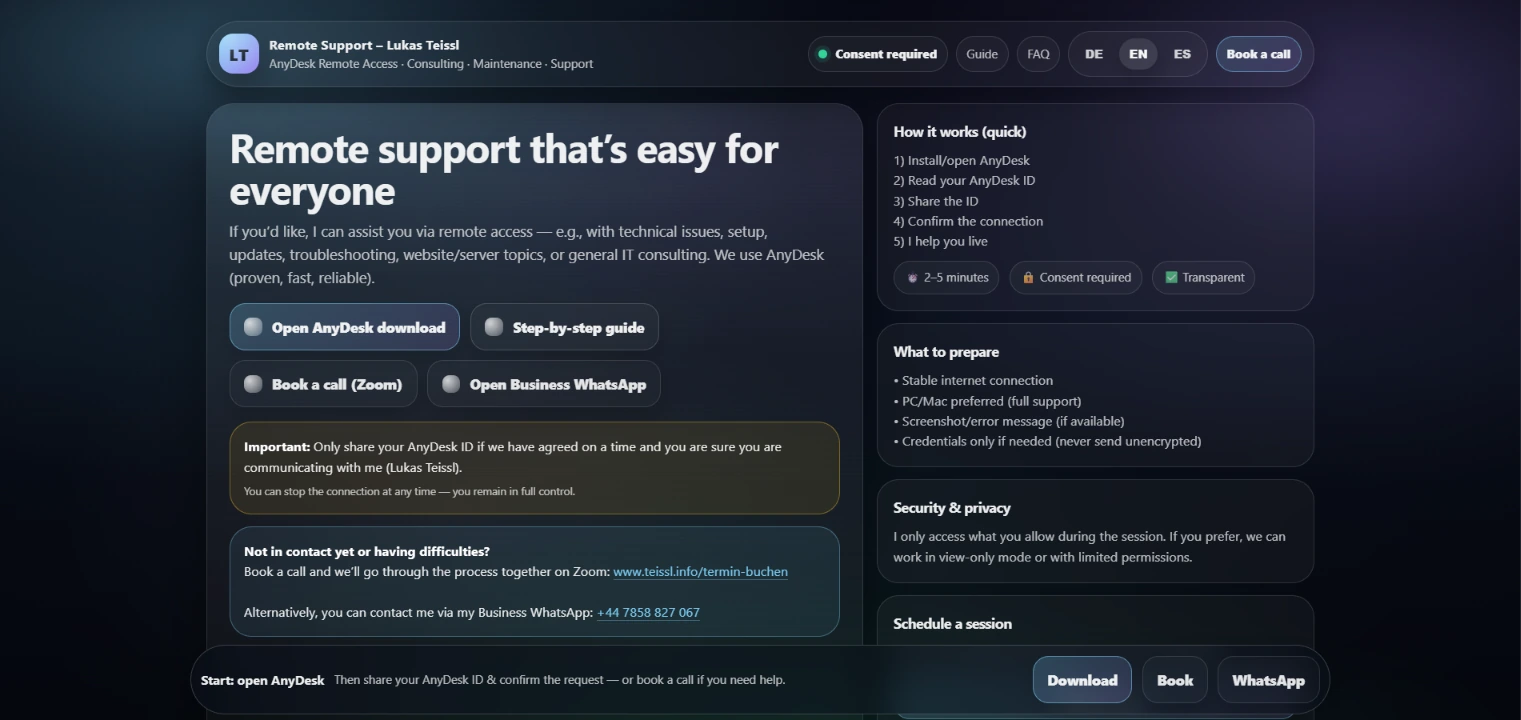
Device-specific instructions
Computer and smartphone steps are explained separately.
Technical support starts with clear preparation.
My remote-support page explains how to prepare an AnyDesk session on computers and mobile devices. Instructions, a checklist, security guidance and contact routes work together. It demonstrates how I make technical communication understandable and organise the start of personal support.
External project view: German
Supplied project screenshot · Original language: EN.
Enlarge viewRemote assistance often begins with preparing a connection rather than solving the underlying problem. My public guide covers PCs and Macs as well as mobile devices. It explains requirements, the process and the information needed before an appointment. Safety guidance and frequently asked questions provide further practical orientation.
A technical support route should be understandable to less experienced users and help avoid unnecessary questions before the session.
I provide device-specific instructions and the personal support entry point. My contribution is the technical explanation and preparation process. AnyDesk is a third-party product; this reference concerns the accompanying information and service journey.
Computer and smartphone steps are explained separately.
The necessary information can be gathered before the discussion.
Personal coordination complements the self-help information.
Short instructions, subheadings and a checklist turn technical prerequisites into practical actions.
Clear preparation helps establish requirements before a support appointment. Different devices receive appropriate guidance rather than directing every user through the same technical sequence.
The gallery shows the original views available for this project. Each screenshot identifies its actual language; the surrounding case-study text is translated separately. Open a view to enlarge it or display it at its original size.
Different applications and tasks, with the same emphasis on understandable solutions.
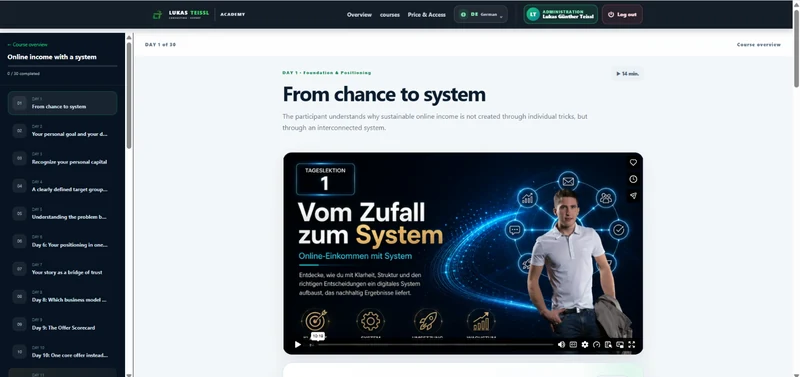
This Academy, programmed by me, combines two original courses, practical assignments, work materials and AI prompts with a protected member area. The reference shows how I structure digital education offerings so they feel clear, high-quality and sales-ready.
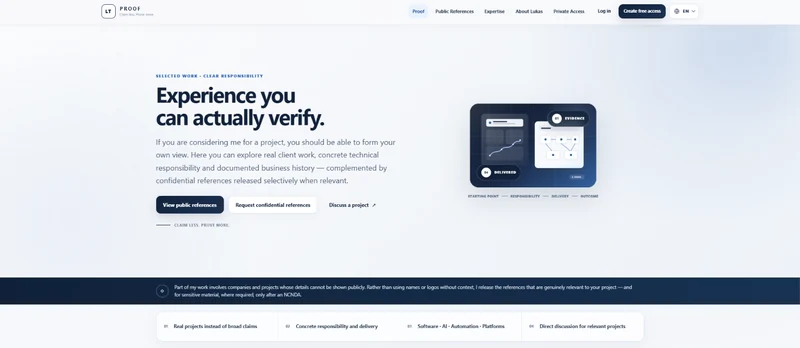
PROOF brings public project examples, traceable responsibility and selectively released evidence into a dedicated portal. Concept, design, development and hosting are attributed to my consulting business. It shows how persuasive reference communication can work alongside controlled access.
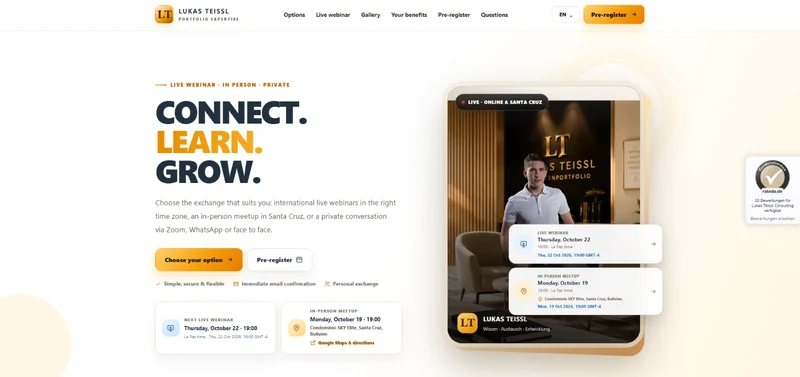
REGISTER brings live webinars, in-person meetings and individual conversations into one public starting point. Dates, explanations and frequently asked questions support selection. My portal project shows how different interaction formats can be presented as clear, distinct contact routes.
Do your customers need help preparing for technical support? We can discuss a service or help portal that connects clear steps with suitable contact routes.
A conversation inspired by: Remote Support · AnyDesk Guide
A typical workflow, your goal and your existing systems are enough to start.